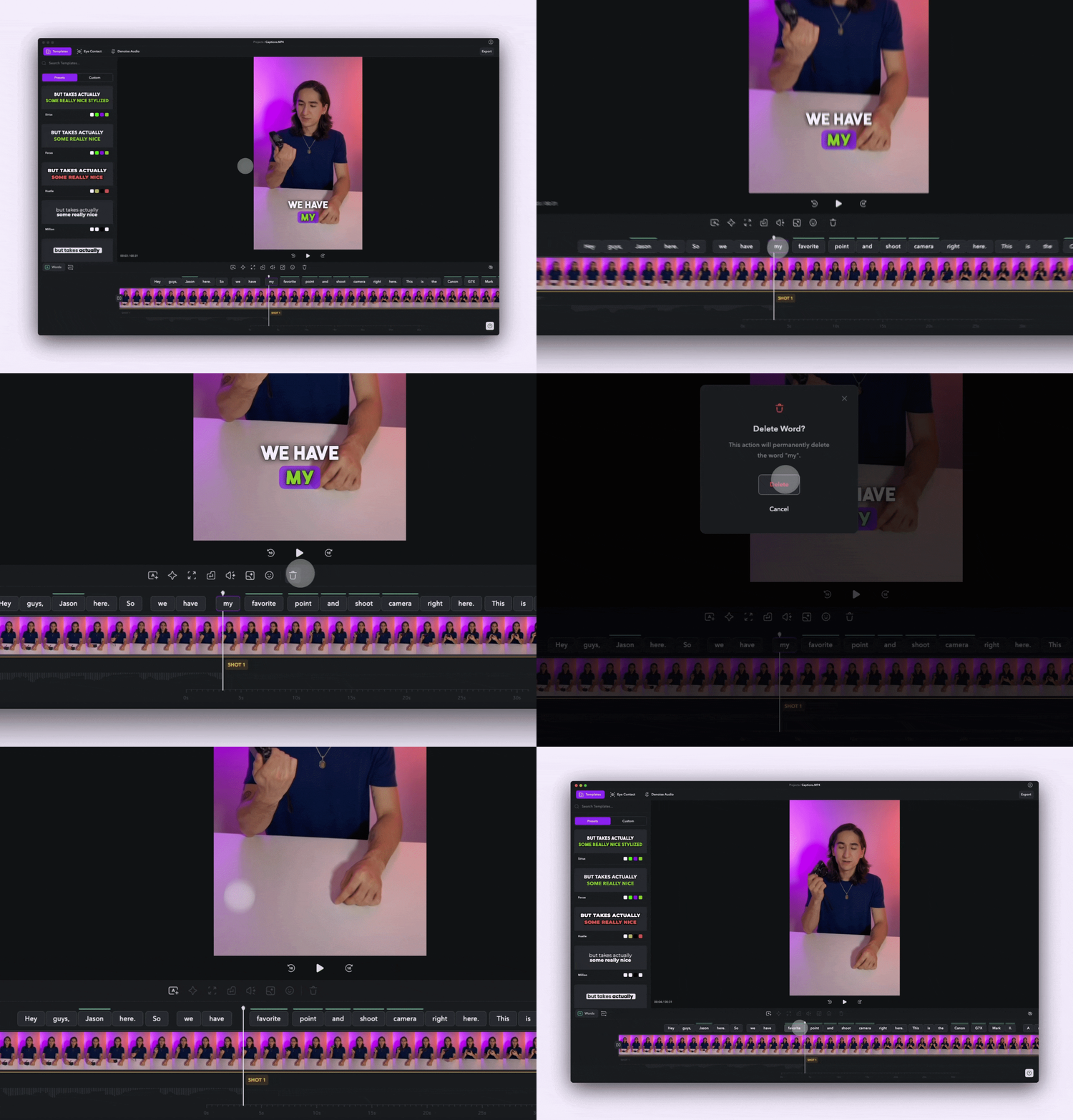
Hide or Delete Caption Text from Your Videos
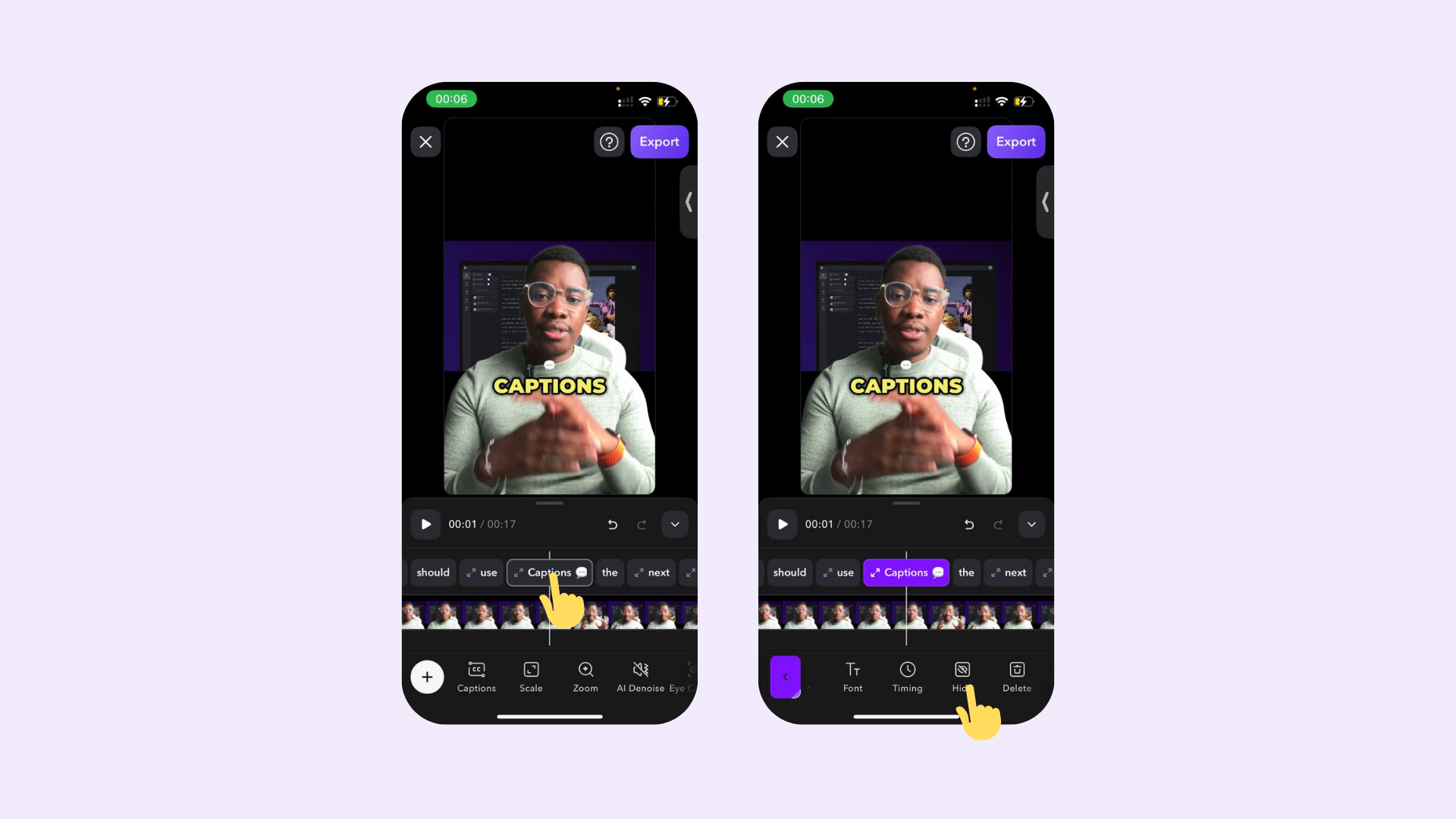
Hide captions
- iOS
- Desktop
- Android
To hide captions, simply tap on the phrase and tap Hide.
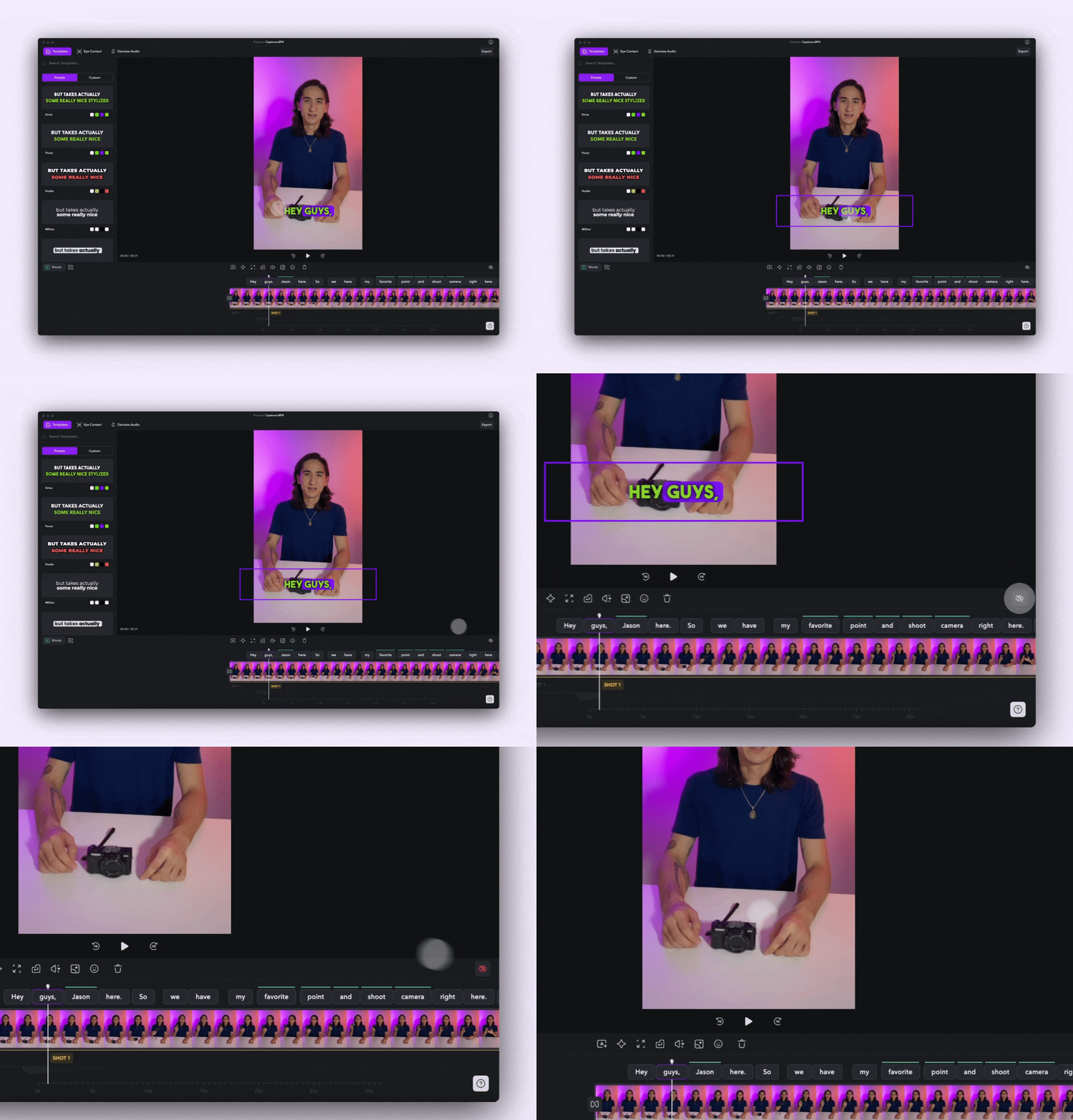
Delete captions
- iOS
- Desktop
- Android
To delete captions, simply tap on the phrase and tap Delete.
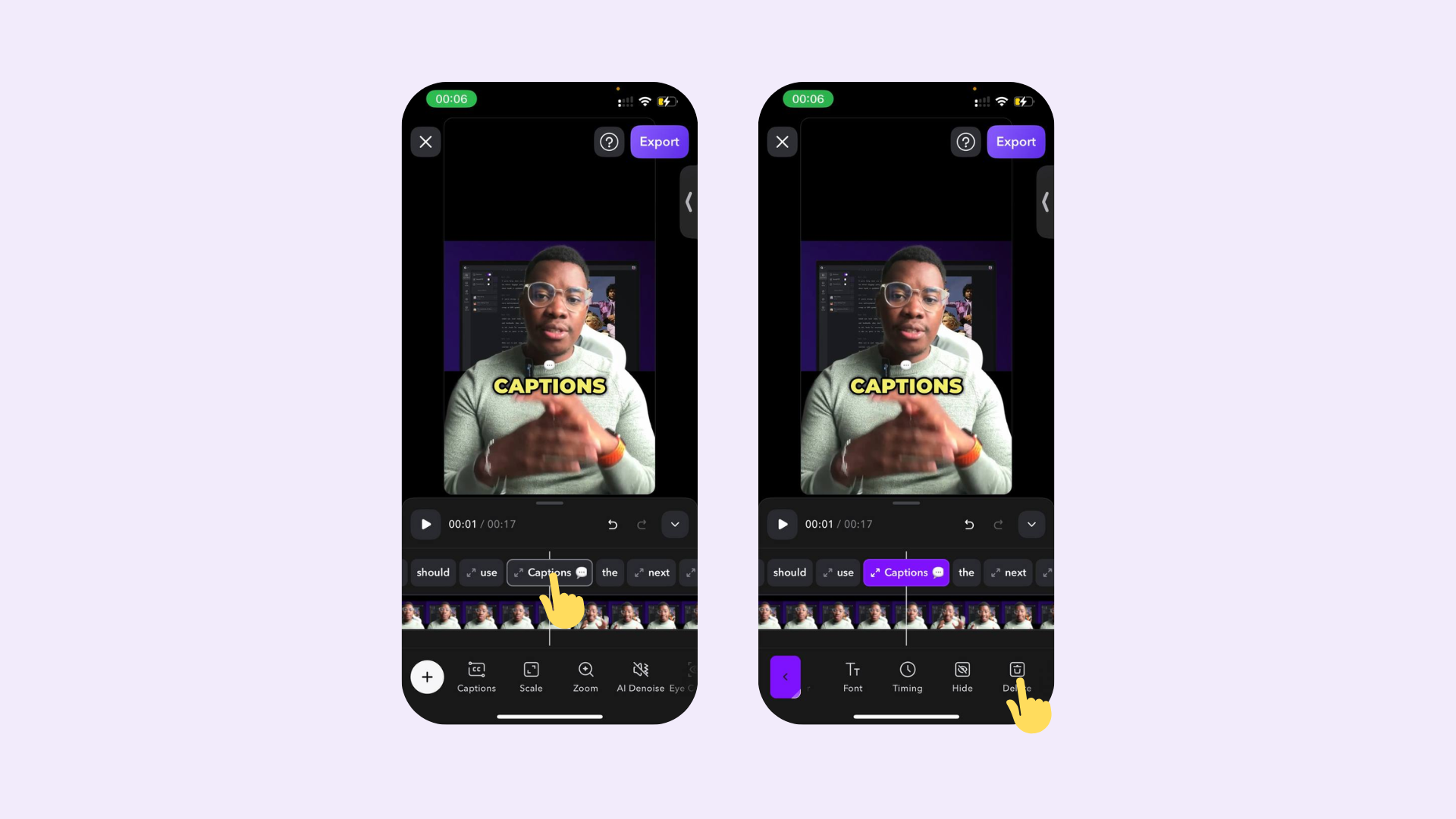
After you’ve added captions automatically, hiding captions is helpful if you’d like to export without captions and deleting may be helpful if you’d like to simply delete all and add your own manually.