- iOS
- Desktop
- Android
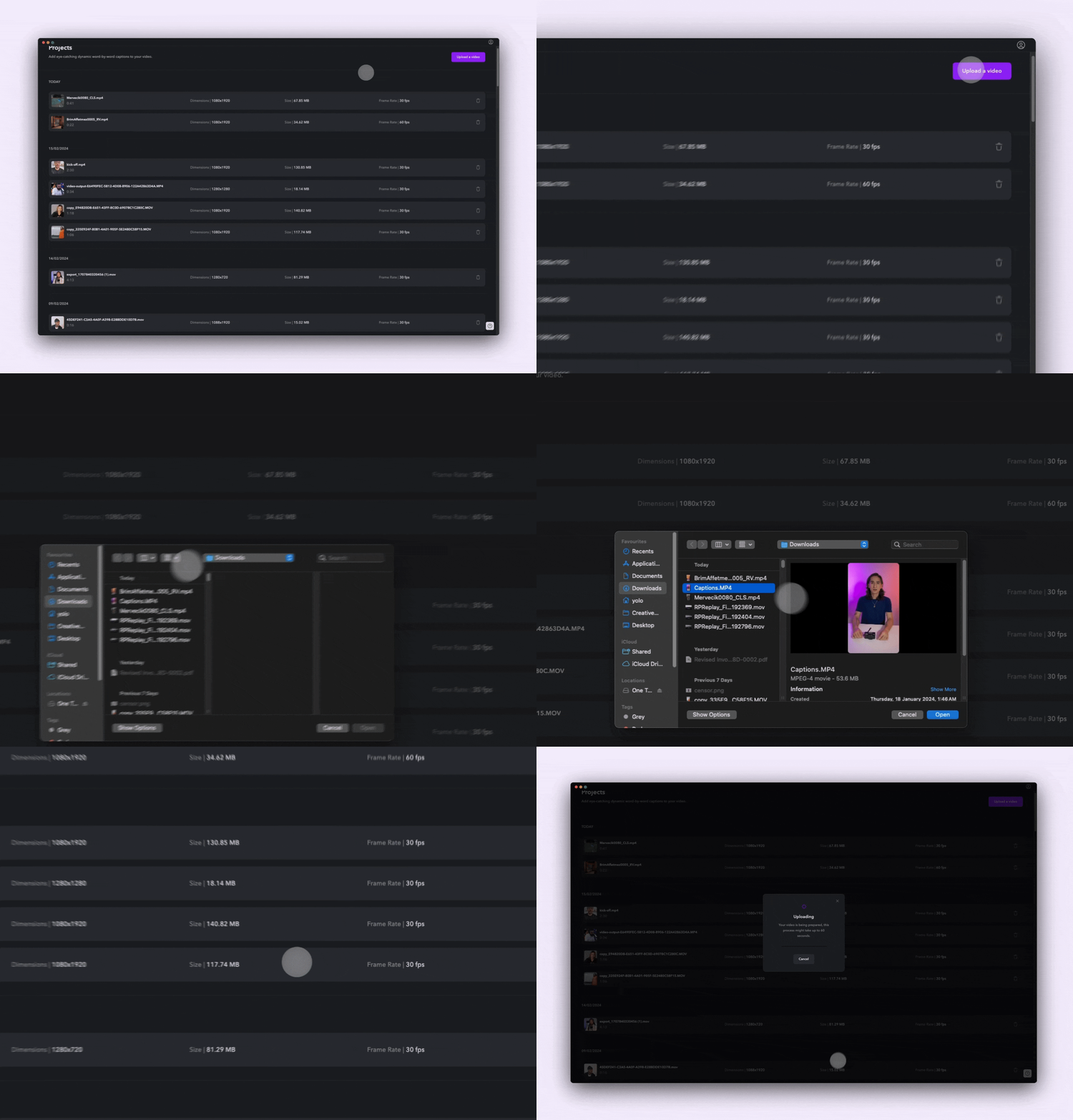
To import your clips:
- Tap Create > Import.
- Browse your camera roll or Captions Cloud to add clips. After adding each clip, you’ll have the option to trim the clip.
- Choose your language settings.